
 Priya Nair
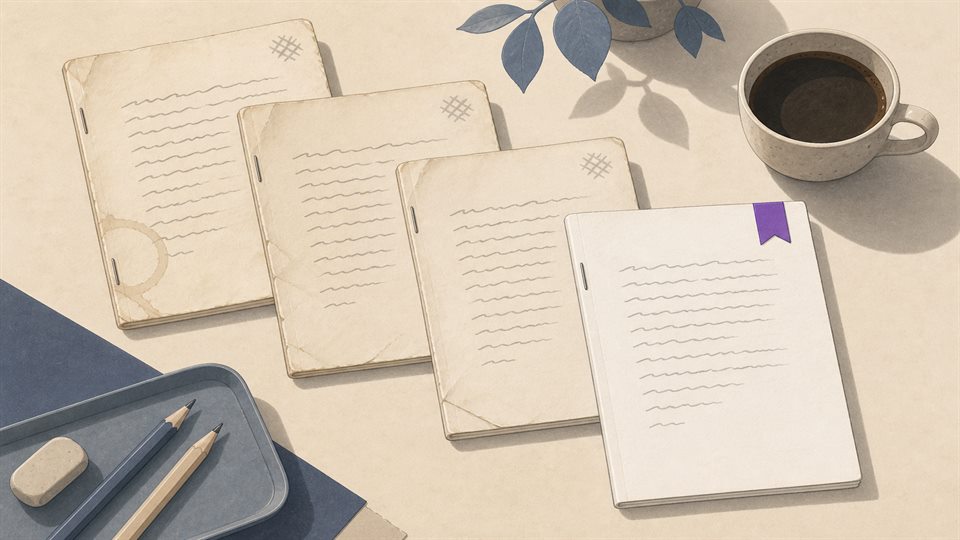
Week one, the brief is agreed and sent round as an attachment. Everyone has it. Week two, the client changes two requirements. A new brief goes out. Most people get it. Week three, someone builds from the week-one attachment, because that is the one in their inbox and nothing ever told them it was dead. Week four you find out in review. The work is not careless. It is correct, against the wrong document.
Also week four, somebody saves a file called brief-v3-FINAL-updated.docx, and now there are four candidates for the truth, with the newest filename the least trustworthy signal in the set.
This is for people who deliver work that depends on documents — a brief, a spec, a signed scope, a pricing sheet — and more than one person has a copy. It is not a fit if what you need is live co-editing in the browser. Goalpen keeps, links and versions files. It is not a document editor.
In plain English: Goalpen hangs the file on the work it governs, and a New version archives the old copy instead of inventing another FINAL filename.
Why folders cannot fix it
A folder will happily hold every version. What it cannot do is say which one matters, or connect any of them to the piece of work they govern. So “which is current?” lives in somebody's head, and “which document governs this task?” lives nowhere at all.
If you have already opened the wrong attachment this quarter, keep reading. The next part is the habit — not a tour of menus.
Hang the file on the work. Superseding becomes an action.
A document can be attached to the goal or task it belongs to, so the brief sits on the delivery rather than in a folder beside it. Opening the work is how you find the document.
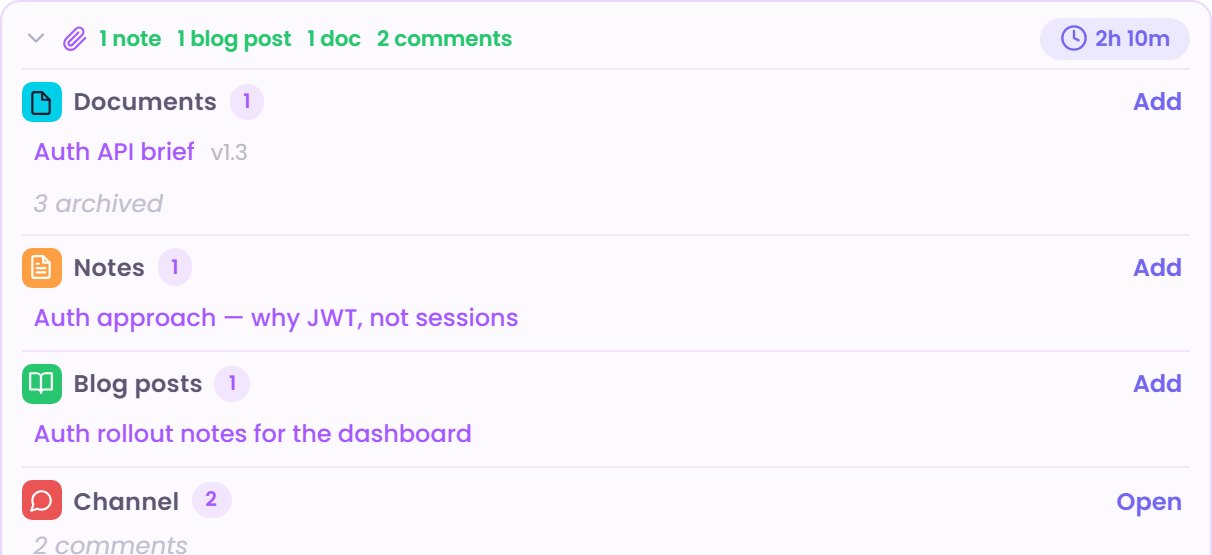
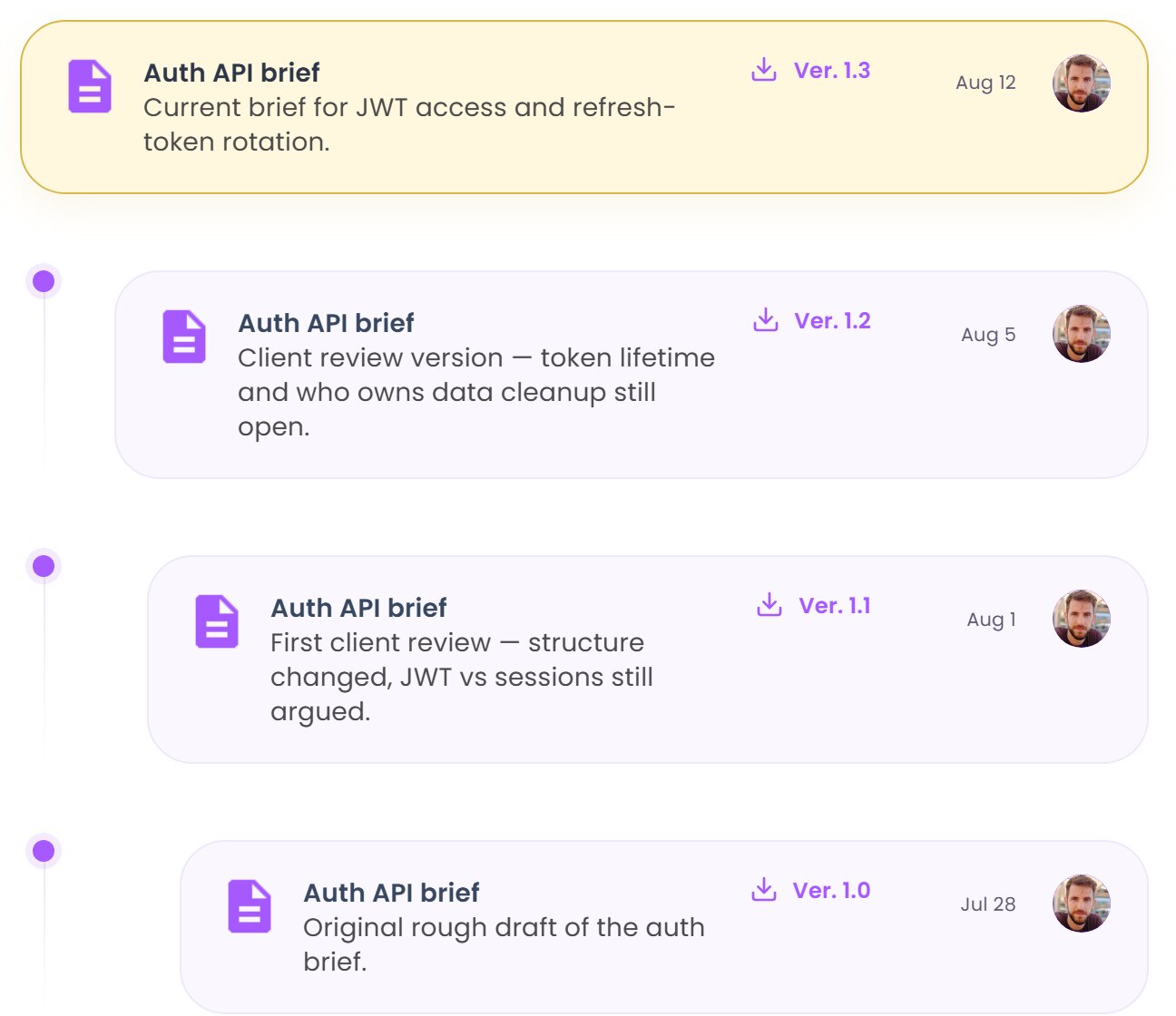
When a file is replaced you add a New version. You give it a version label. The new file becomes the live one. The previous file is marked Archived rather than deleted. Explore Document Update History walks back down that chain, so the week-one brief is still there and still openable — and unambiguously not the current one.
Access is set per document: Public or Private on Free and Team, and specific roles on Business. Files up to 50MB live in Goalpen storage, and from Team upwards you can point at Google Drive instead.
A version exists because you decided to create one. Editing a document's details updates it in place, and nothing snapshots automatically as you type. You can open an earlier version, but there is no side-by-side comparison and no one-click rollback to make an old file live again. What you get is one unambiguous current file with its history intact behind it.
Take the document that has caused the most confusion this quarter
Attach it to the delivery it governs. Add the newest copy as a new version so the older one goes archived rather than sitting in a folder pretending to be equal.
Prefer to talk it through first? Use Contact us. Want the numbers before anything else? Skim Pricing. No hard sell either way.
*Current page check: “one current file, the rest archived” (13 August 2026).*