
 Priya Nair
You have run this before. Client onboarding. A monthly close. A release. The shape is the same every time, and somebody rebuilds it from memory every time. Last round you ended up with a decent set of steps. They lived inside a project that is now archived. This time you are staring at a blank page again.
This is for people who run work that repeats with variations. It is not a fit if genuinely every piece of work you do is one of a kind.
In plain English: Goalpen starts familiar work from a Playbook — real editable rows in a plan, not a checklist pasted into a document.
The tax you pay on familiar work
The rebuild is the obvious cost. The forgetting is the expensive one. The two steps you leave out are, reliably, the two things that went wrong last time. That is what made them memorable — and it is also why they were never written down anywhere durable. Then three people each run their own version of the same job. None of them is wrong. None of them is the same. When one of them leaves, their version leaves with them.
A checklist does not fix this. A checklist has steps but no dates, no owners, and no place in the work. So it gets pasted into the project as text and starts drifting from the project immediately. It records the intention rather than the work, which is why nobody updates it when the work teaches them something.
If you have rebuilt this job from memory twice already, keep reading. The next part is the habit — not a tour of menus.
Start from a playbook, not from memory
Goalpen has a Playbook Library. You pick a playbook and choose Apply & Open in Task Plan, and the steps arrive as real editable rows in a plan — not a block of text to retype. From there it behaves like any other plan. You give it a Start Date. You adjust the durations. You delete the rows that do not apply this time. You put names on the branches. You save. What you save is the tree the team actually works in, so whatever you learn this time is recorded on the work itself rather than in a document about the work.
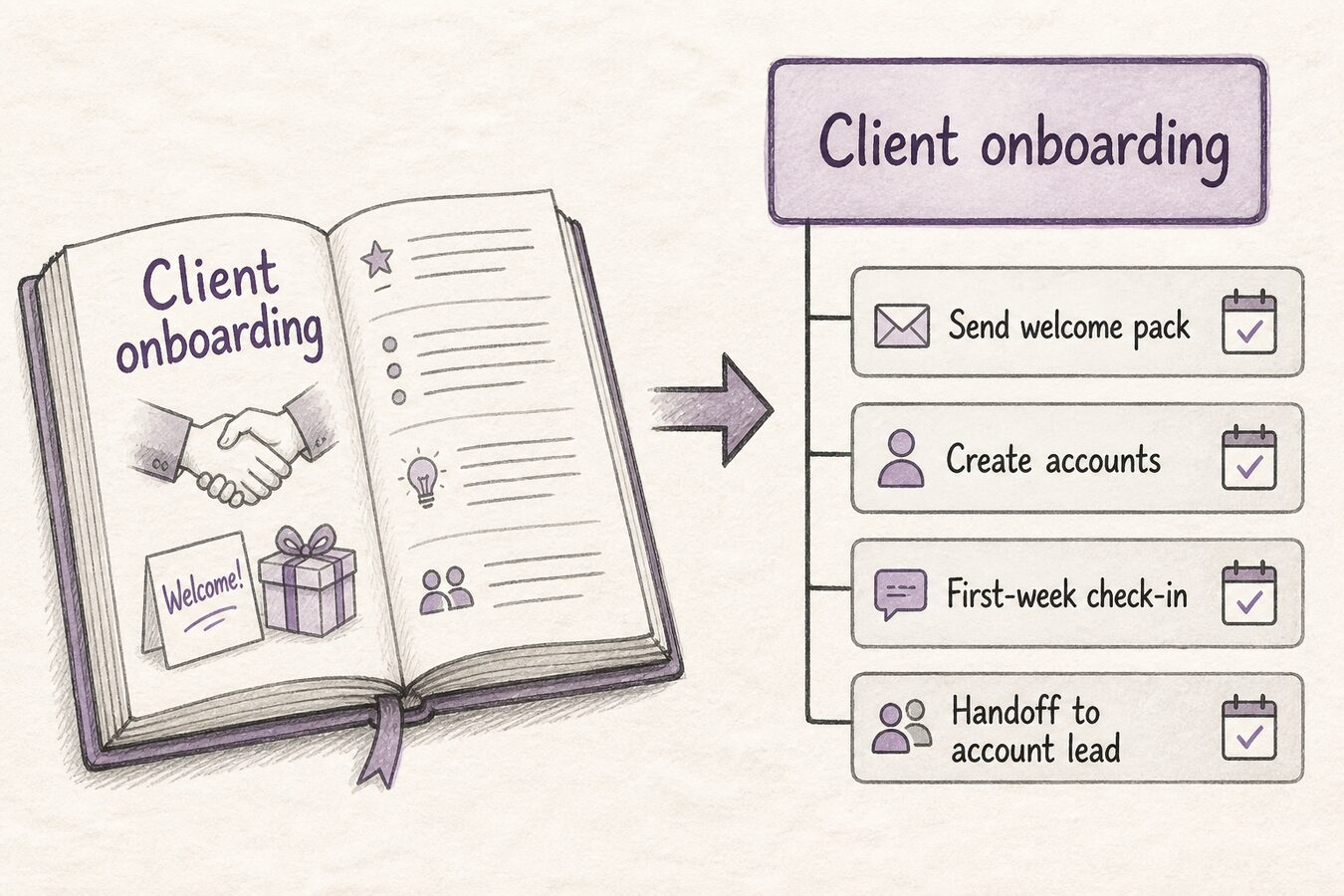
If the job you run is not in the library, you can bring in what you already have. CSV Upload or AI Import under Data Import will turn an existing list into goals and tasks. You can also add your own team playbook by pasting an indented list of steps into the library, so your version of the job becomes the reusable one for everybody. What you cannot do today is take a tree you have already finished running and turn it back into a playbook in one click.
Pick the job you have run at least twice
Open the Playbook Library and see whether something close to it exists. If it does, apply it and edit it down to this month's version. If it does not, build it once properly as a plan, or import the list you already keep. Run the next familiar job from a plan rather than from memory.
Prefer to talk it through first? Use Contact us. Want the numbers before anything else? Skim Pricing. No hard sell either way.
*Current page check: “from a playbook, not from memory” (13 August 2026).*