
 Linh Nguyen
You run a delivery with several teams under it, and the plan that describes it honestly is too big for any one person to work in — including you. So you keep it small enough to look at, and it tells you almost nothing. Or you let it describe the real work, and nobody opens it. Most organisations pick one of those two failures and live with it.
This is for people whose work involves more than a couple of people. It is not a fit if yours rarely does.
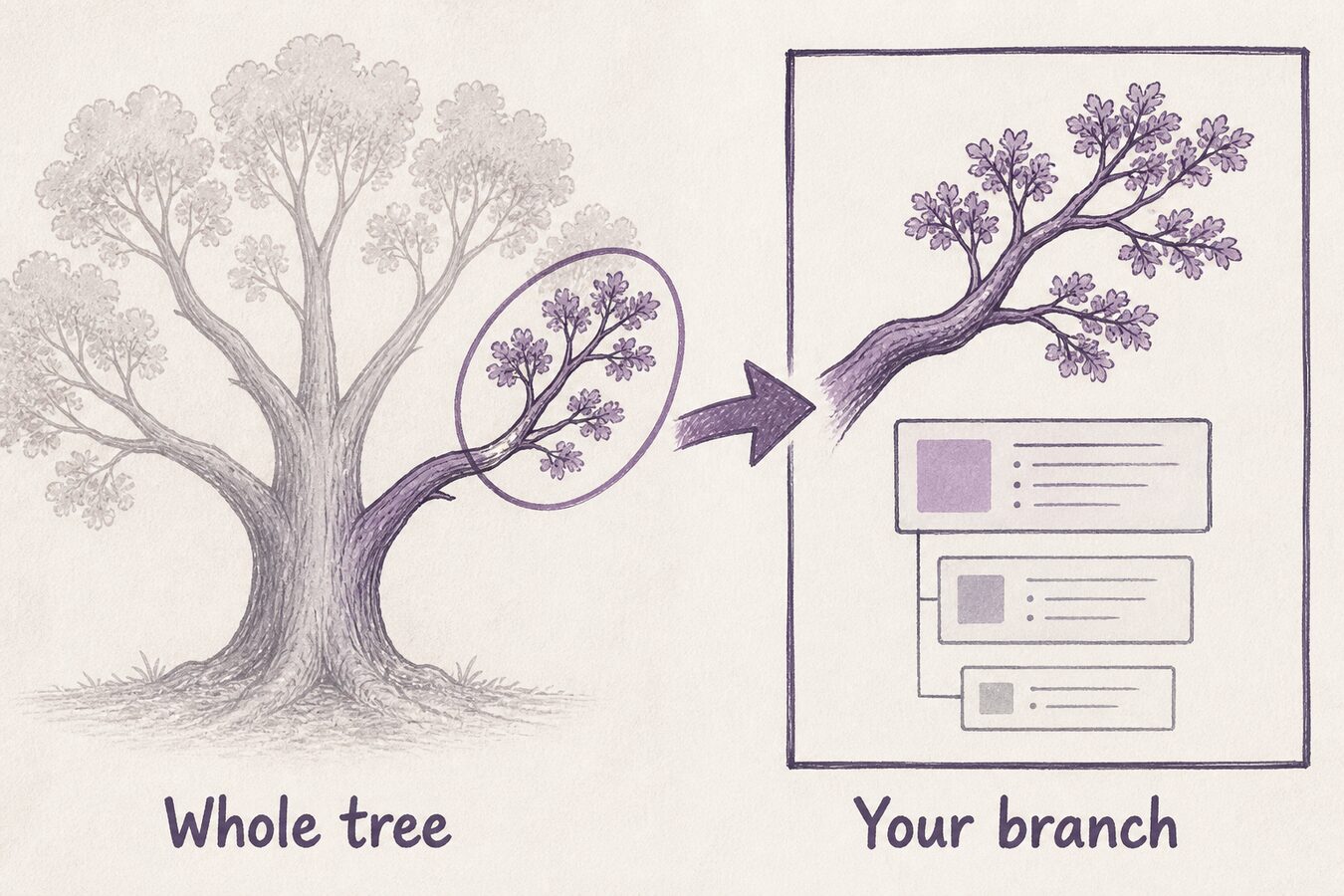
In plain English: Goalpen lets someone open one branch as their own root, so they work in their bit of the same tree — not a copy of it.
Big plans fail in exactly two ways
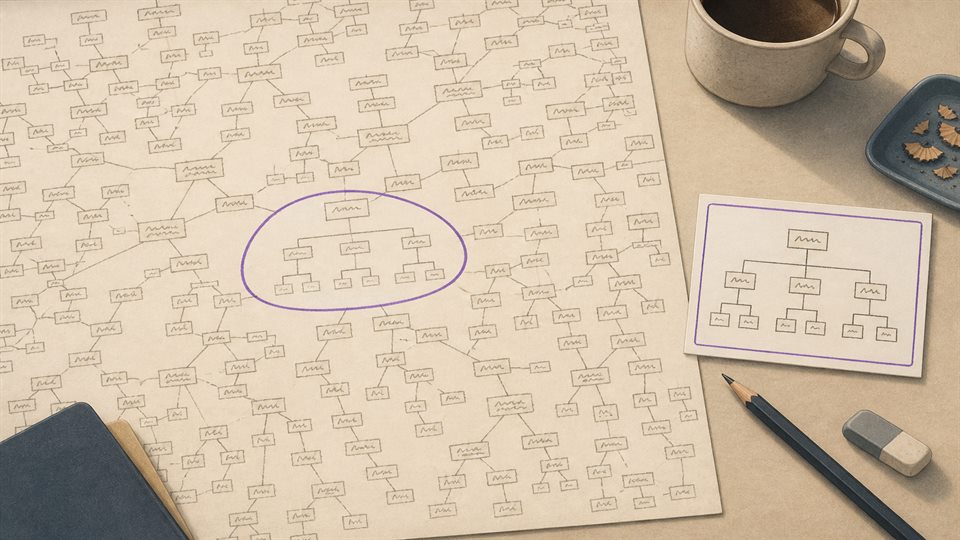
Too small to be true: eight rows, one per workstream, readable, and “Migration — in progress” for five weeks running. Too big to use: two hundred rows, honest, and the people who could keep their own part accurate never see their part — they see a wall.
So the plan gets split by hand. A slide per team. A tab per team. A board per team. Now it is true in five places and joined up in none, and Thursday exists to reconcile them.
If Thursday exists to reconcile five copies, keep reading. The next part is the habit — not a tour of menus.
The tree does not have to be entered at the top
Any goal or task with work underneath it can be opened as your working root. Explore Goal Tree on a goal. Explore Task Hierarchy on a task with children. From then on that branch fills the screen as though it were the whole plan. Back to the Main Task Tree takes you out again.
So the head of operations opens the operations branch and sees something a human can hold: their work, their dates, their people. The delivery lead opens the root and sees all five branches at once. It is one tree entered at different heights, not five copies that need reconciling. Show Levels of Tasks trims the depth of whatever you have open, so even a large branch can be read a layer at a time. On a goal you can also look at the same branch as Gantt or Time.
Seeing a branch and being able to change it are two different permissions. Amend rights go to the person named as owner of that branch and the people assigned to it. A manager gets “their” branch because someone put their name on its root — not automatically because of their job title.
Hand over the branch you understand least well
Open it as its own root. Put the name of the person who really runs it on that root. Tell them the branch is theirs, and show them where Back to the Main Task Tree is.
Prefer to talk it through first? Use Contact us. Want the numbers before anything else? Skim Pricing. No hard sell either way.
*Current page check: “one tree entered at different heights” (13 August 2026).*